Make Your Booth the One People Stop At
OptiTUIO turns LED walls, projections, floors and booth surfaces into interactive experiences — for agencies, event teams and AV integrators.
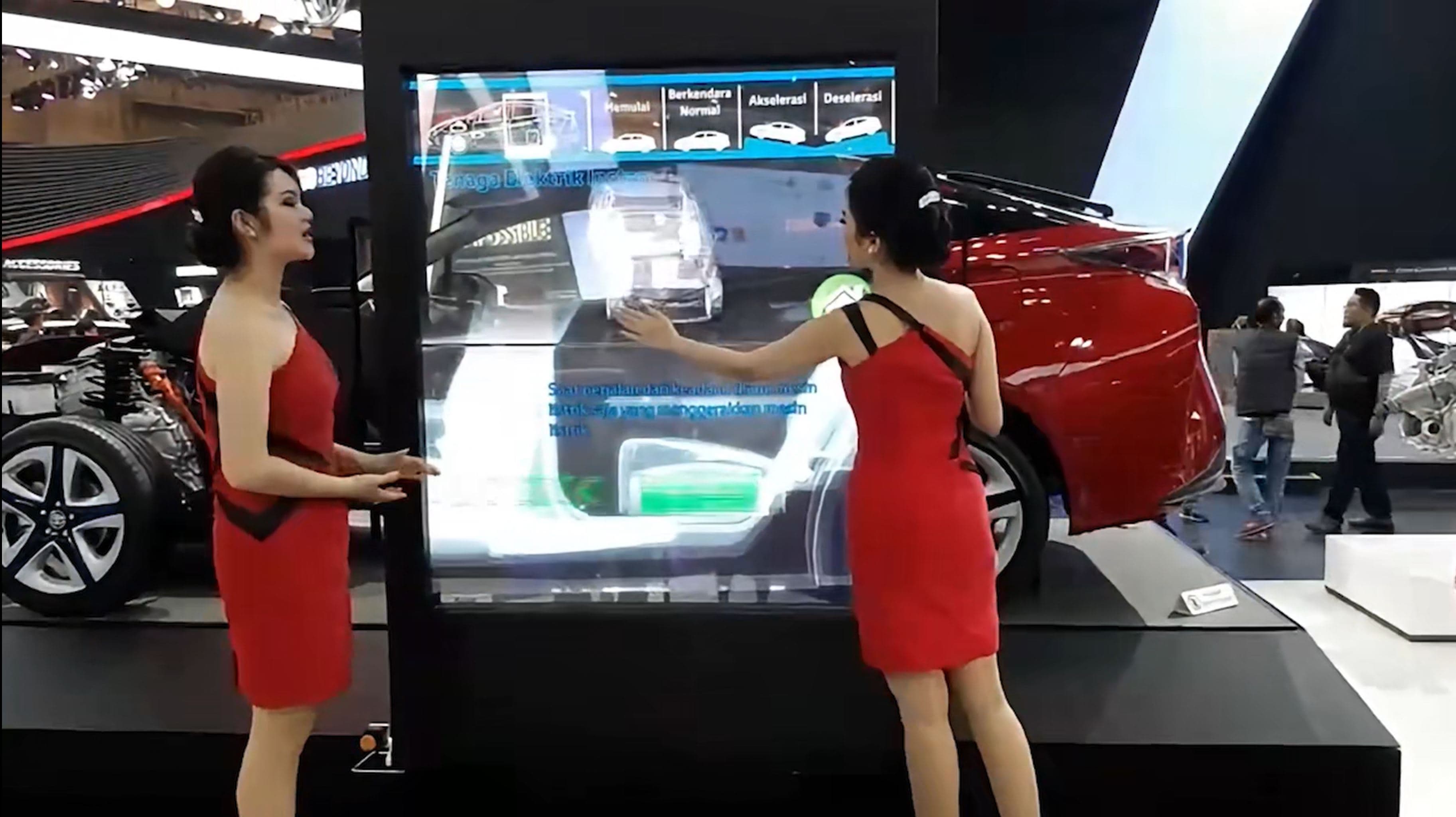
Large booth surfaces need a different kind of interaction
Many booths already have big LED walls, projections or floor areas — but making them interactive is the hard part. Standard touchscreens and camera systems get limited or impractical once the area is large, public and multi-user.
Big surfaces, hard to activate
LED walls, projections and floors need a different interaction layer than touchscreen hardware.
Visitors need a reason to stop
A strong interactive moment creates the WOW that pulls people in — then explainers, games or data keep them.
Agencies need something to build on
OptiTUIO supports your concept while your team — or ours — develops the application around it.
From LED walls to floor interaction
OptiTUIO is built for large-format public interaction — making big flat surfaces respond to visitors, with multi-sensor setups for larger areas.
Large interactive displays
LED walls, video walls and projections that respond — no touch layer added.
Floor & movement interaction
Floors and defined zones for detection, movement games and attention triggers.
Product explainers & configurators
Let visitors explore products, options and stories on a large surface.
Games, data & brand experiences
Interactive games, real-time visualisations, maps and timelines that draw people in.
Multi-surface & compact control
Several sensors for larger areas, multiple surfaces or compact zones driving big outputs.
Size note: From compact zones to large setups around 20–30 m; larger multi-sensor configurations possible after technical review.
The interaction layer behind the experience
OptiTUIO isn't a screen, projector or finished experience by itself. It's the LiDAR layer that detects visitor input and makes it usable. The experience combines surface, sensor, software and an application.
Full system explained1. Surface / Display
LED wall, projection, screen or floor.
2. LiDAR sensor setup
Defines and tracks the interactive area.
3. OptiTUIO software
Converts interaction into usable input.
4. Application layer
What visitors actually experience — built by your team or ours.
What an interactive booth can look like
From media walls to product explainers, games, configurators and real-time visualisations — shaped to the booth goal, surface and concept.
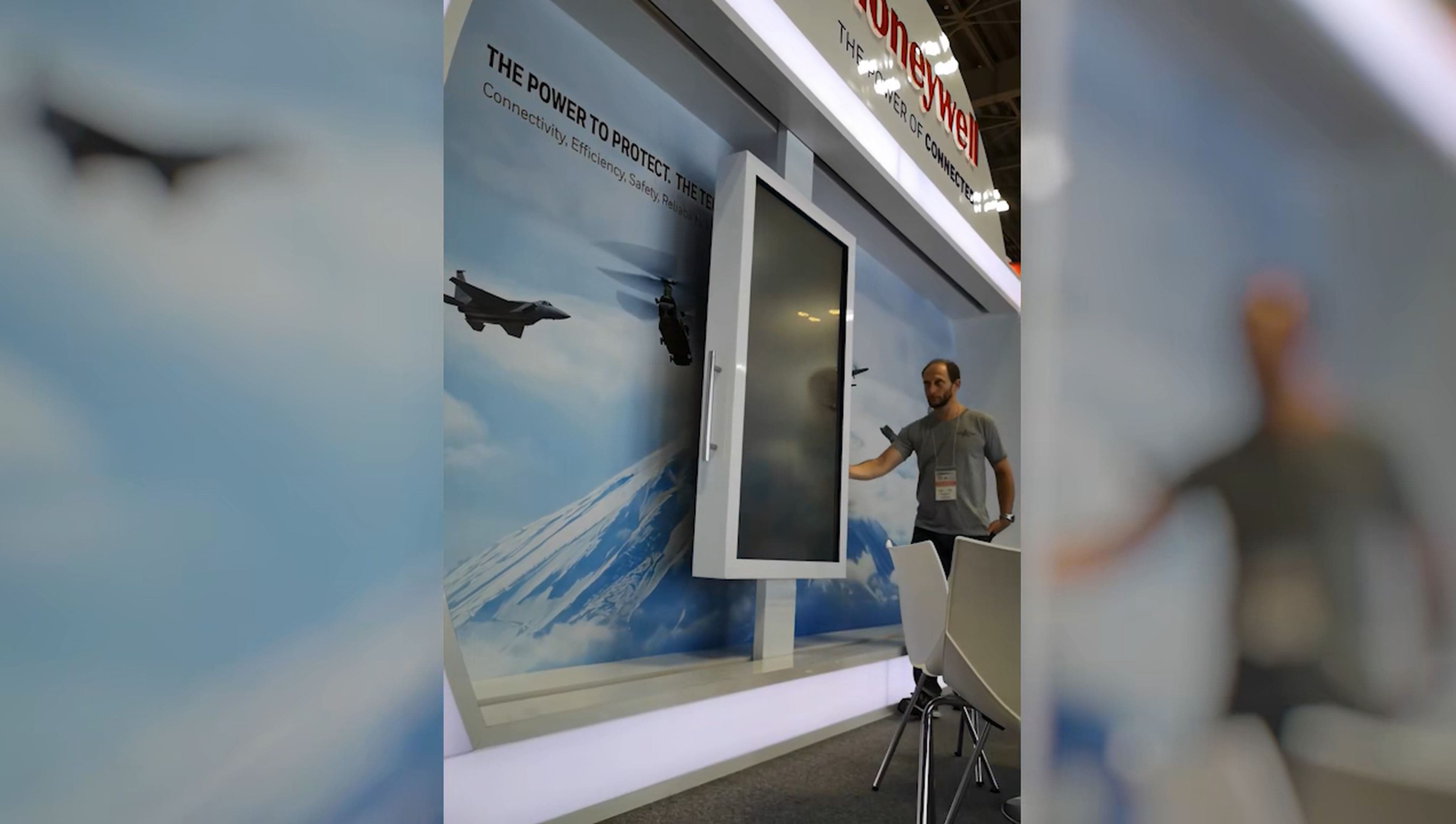
Product explainer / configurator
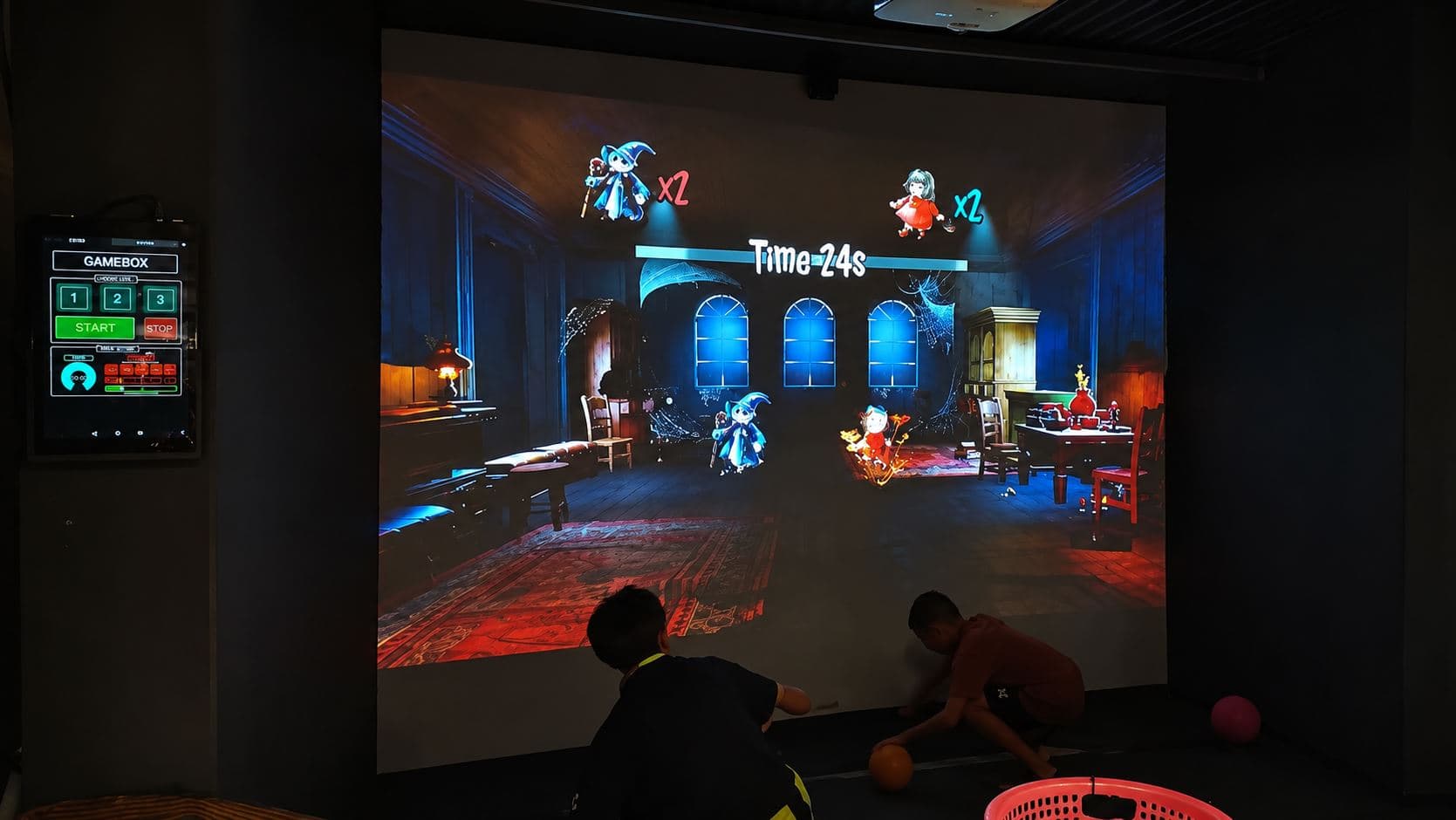
Booth game / attraction moment
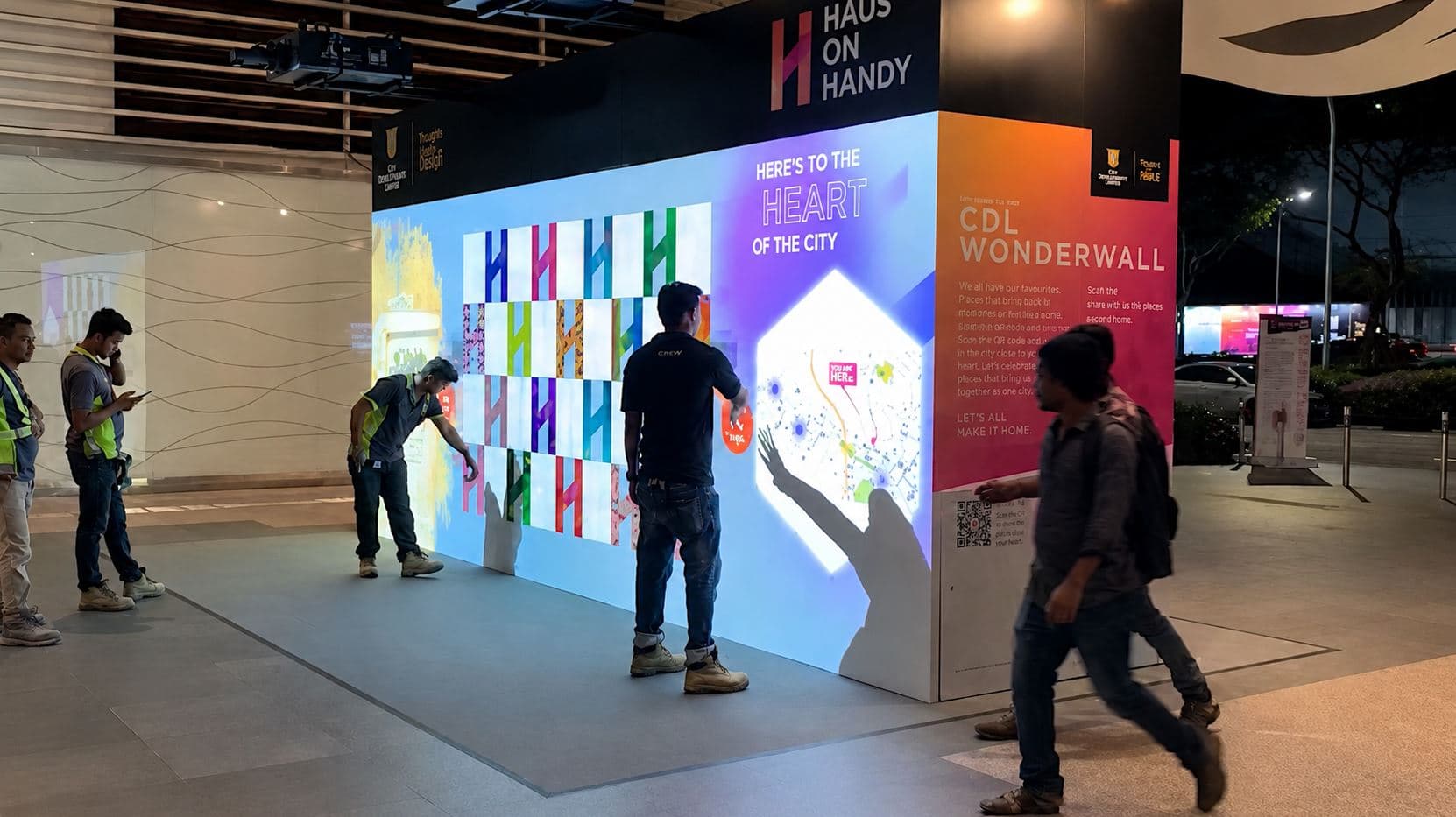
Data / maps / media experience
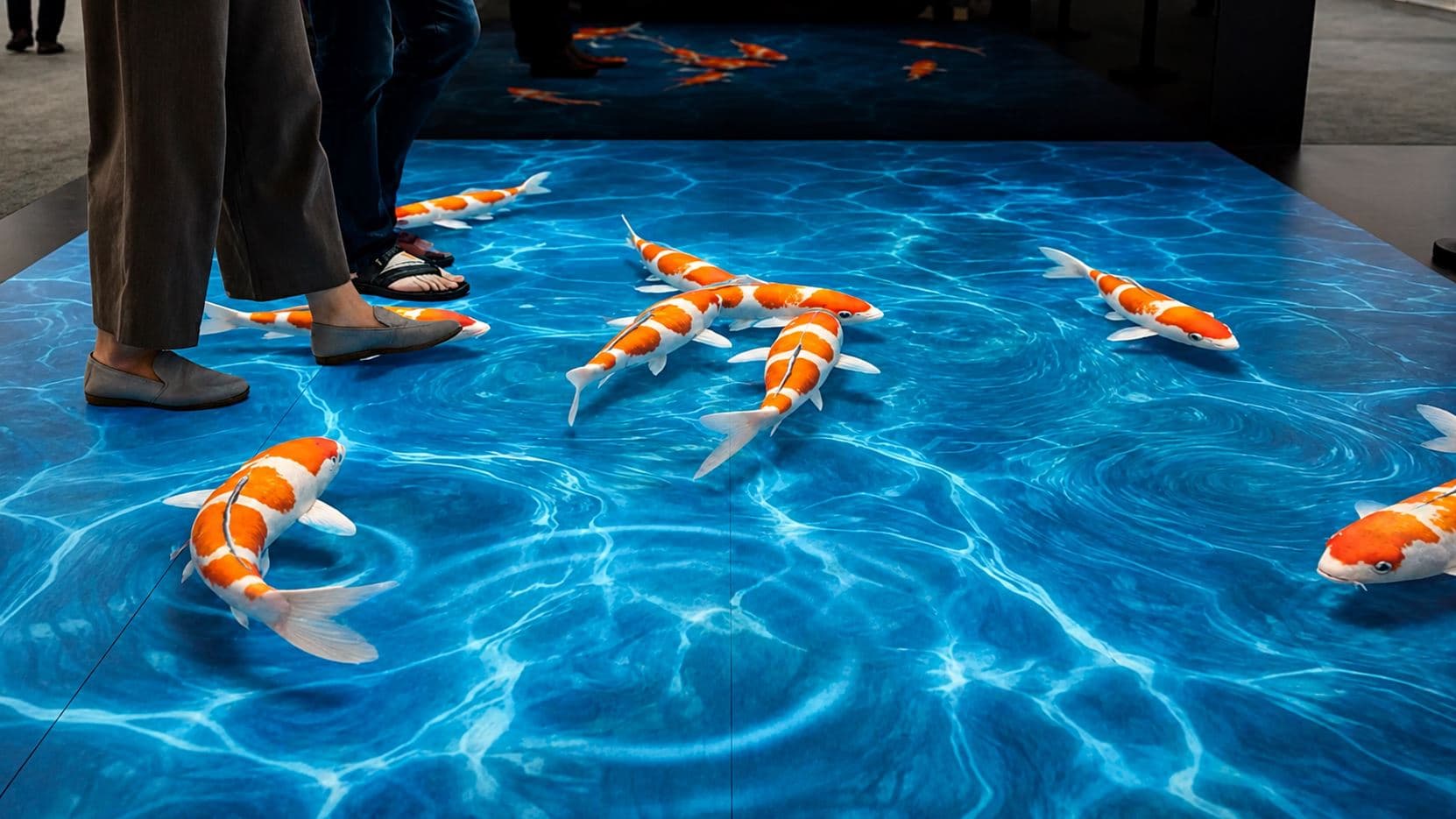
Floor / space interaction
More than a screen — a booth moment
Stronger attraction
A visible reason to stop, interact and spend more time on stand.
Large-format interaction
From compact zones to setups around 20–30 m, with multi-sensor configurations after review.
Better product explanation
Make complex products, data and stories easier to explore.
Multi-user engagement
Public, multi-person interaction, depending on setup and application.
Reusable event tech
One setup can support multiple concepts, screen sizes and future shows.
Need the right OptiTUIO setup for your booth?
Tell us the surface, application and visitor experience you're planning — we'll point you to the right setup.
How OptiTUIO fits your exhibition project
A working setup combines the LiDAR sensor, the OptiTUIO software and an application that responds. Depending on your team and scope, it can be configured in a few ways.
Hardware + Software Bundle
The sensor + OptiTUIO software to make the surface interactive — the most common starting point.
Bundle + Custom Application
We also develop the explainer, game, configurator or data experience.
Software / License only
For repeat customers or technical teams with their own compatible LiDAR hardware.
Full / partner-supported solution
For high-value projects, broader delivery with trusted partners where it makes sense.
Not sure which fits? It depends on surface size, sensor placement, application needs and whether your team builds the app or we do.
From booth concept to working interaction
Interactive booths work best when surface, sensor, application and concept are planned together. We support the path from concept to a tested setup.
1. Project fit review
We review the surface, concept, application needs and goal.
2. OptiTUIO setup definition
Sensor setup, software and integration requirements are defined.
3. Application alignment
Your team or ours defines how the app responds to input.
4. Pre-build & testing
Where possible, the setup is built and tested at our facilities first.
5. Install & remote calibration
You install on site; we support final calibration remotely until it runs reliably.
Trusted for interactive exhibition experiences
Used in real interactive installations for corporate, event and exhibition projects.
“OptiTUIO transformed our exhibition space into a highly reliable interactive experience that ran perfectly for 5 days straight.”
— Event Director · Global Tech Agency

Interactive exhibition booth FAQ
Key questions on using OptiTUIO for large-format booth surfaces, applications and LiDAR-based visitor interaction.
QWhat is OptiTUIO used for at exhibitions?
It makes large booth surfaces interactive — LED walls, projections, walls, floors and defined zones — especially where touchscreens or touchframes are too limited for the size.
QWhat do we need besides OptiTUIO?
A suitable surface or display, a LiDAR sensor setup, the OptiTUIO software, a Windows PC, and an application that responds to the interaction.
QCan our own developers build the application?
Yes. If your app accepts Windows Touch, TUIO or mouse input, OptiTUIO can integrate with your own setup.
QCan Interactive Asia build the application?
Yes — we develop product explainers, configurators, games, data visualisations and custom booth applications.
QDoes it work with Unity, Unreal, Ventuz or Windows apps?
It works with applications that support Windows Touch, TUIO or mouse input, which covers many Unity, Unreal, Ventuz and Windows setups. We confirm the exact integration first.
QWhat surfaces work best?
Large flat surfaces — LED walls, projections, walls, floors and screens. Very uneven, strongly curved or highly reflective surfaces should be reviewed before planning.
QHow large can an installation be?
From compact zones and common few-metre setups up to around 20–30 m, with larger multi-sensor configurations possible after technical review.
QIs it as precise as a touchscreen?
No. It's not designed for tiny buttons, writing or drawing. It's built for large-format public interaction and visitor engagement.
QCan several visitors interact at once?
Yes, multi-user interaction is supported; the exact behaviour depends on the setup, sensor configuration and application.
QDoes it need calibration?
Yes. Correct mounting, configuration and calibration matter. We support setup and final calibration remotely so it's adjusted for your environment.
Ready to make your exhibition surface interactive?
Tell us about your surface, application idea and exhibition goal — we'll help you find the right OptiTUIO setup.