The LiDAR Interaction Layer for Large Surfaces
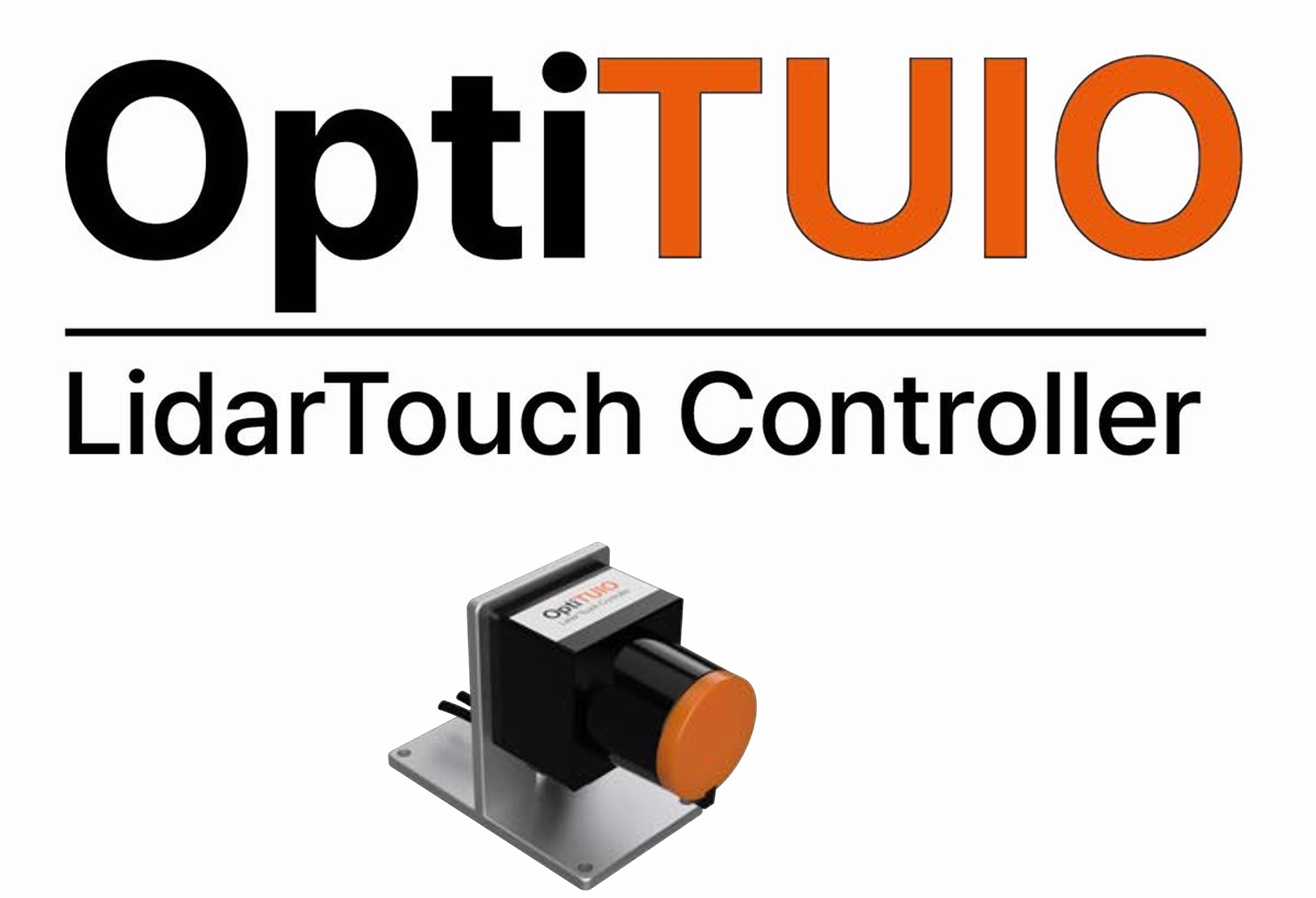
OptiTUIO connects a LiDAR sensor with your application, making LED walls, projections, walls and floors usable as interactive, touchless surfaces.
Why teams use OptiTUIO
Built for projects where standard touchscreens, touchframes or small displays don't fit the surface.
Large-surface input
Make LED walls, projections, screens, walls and floors respond to interaction — without small touch displays.
No physical touch layer
Create interactive areas without adding a touch layer onto the display or surface.
Application-ready signals
Turn LiDAR data into input your application understands — Windows Touch, TUIO or mouse.
From LiDAR detection to application input
OptiTUIO links the physical interaction area to the digital application. The sensor detects input inside an invisible scan area; the software translates it into signals your app can use.
LiDAR sensor detects
The sensor tracks hands, feet, people or defined objects inside the configured area.
OptiTUIO translates
It converts that data into usable input — Windows Touch, TUIO or mouse control.
Application responds
Your application reacts — showing content, triggering actions, controlling media, creating the experience.
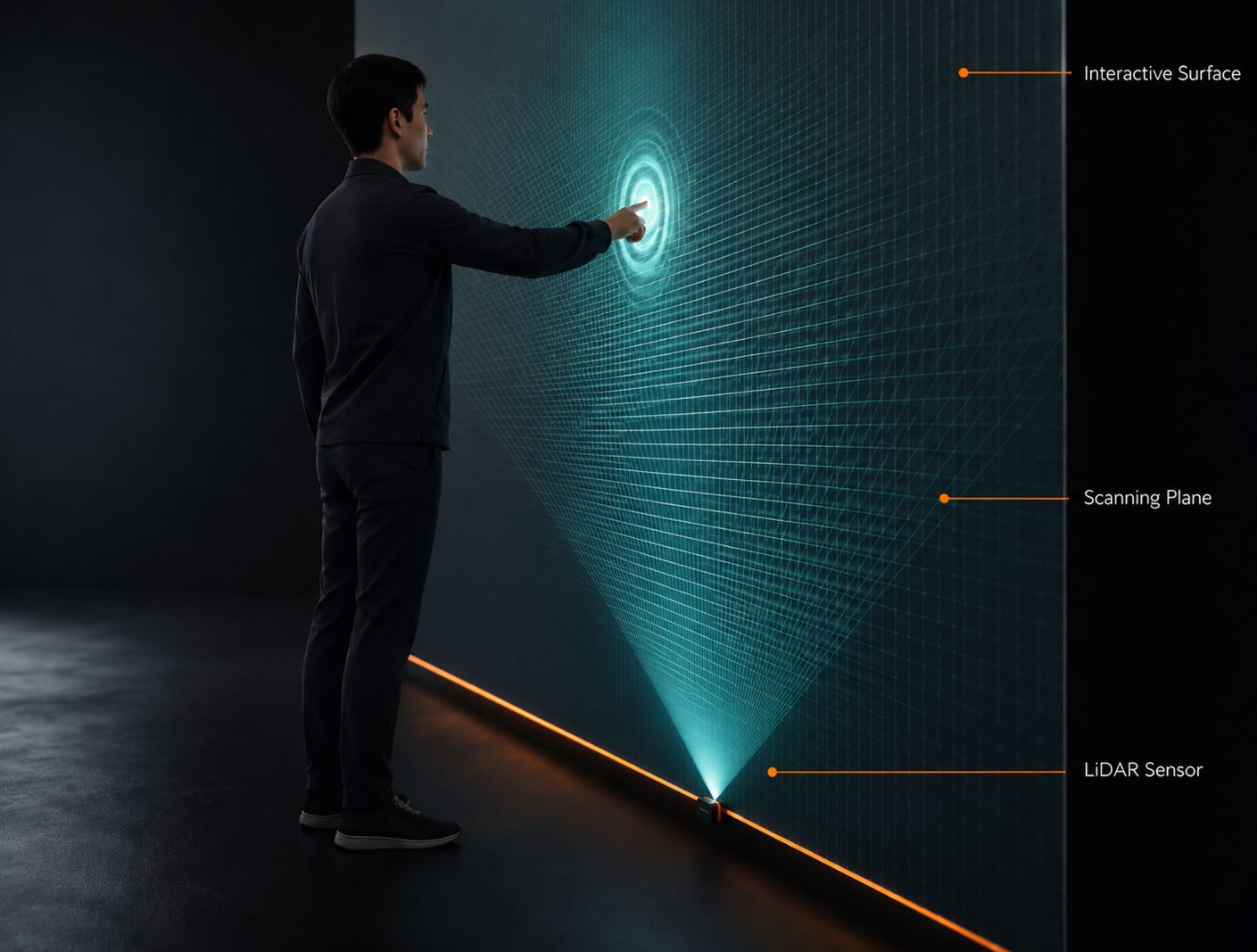
Technical note: A reliable setup needs correct sensor mounting, a free scan plane, configuration, calibration and an application that can process the input.
Touchless LiDAR vs Touchscreen
When to use which technology for your project
OptiTUIO (LiDAR)
Strongest for:Large surfaces (LED walls, projections, floors), touchless & multi-user public interaction, reusable event setups, no touch layer to wear out.
Touchscreen
Better for:Small high-precision input — typing, drawing, tiny buttons, desktop-style UI.
OptiTUIO doesn't replace a small precision touchscreen — it makes large surfaces interactive.
Explore OptiTUIO use cases
From interactive walls and floors to exhibition booths and game-based experiences — pick the path closest to your project.
Exhibitions & Trade Fairs
Large-format interaction for booths, LED walls and product experiences.
Wall Installations
Make walls, LED surfaces, projections and screens interactive for showrooms, museums and brand spaces.
Floor Tracking
Use floors and defined spaces for movement-based triggers, games and immersive installations.
Interactive Games
Game-based experiences that attract attention and make interaction memorable.
What an OptiTUIO setup includes
A working installation combines the surface, a LiDAR sensor, the OptiTUIO software, a Windows PC and a compatible application. The exact setup depends on surface size, mounting, precision and application design.
Surface / Display
The wall, floor, LED surface, projection or screen that should become interactive.
LiDAR Sensor
Detects interaction inside the invisible scan area — hands, feet, people or defined objects.
OptiTUIO Software
Translates sensor data into usable input signals.
Windows PC / System
Runs OptiTUIO and connects the sensor to the application.
Compatible Application
Responds to input via Windows Touch, TUIO or mouse control.
Mounting & Calibration
Correct mounting, a free scan plane and calibration are required for reliable interaction.
OptiTUIO comes in hardware/software bundle levels — from compact setups to high-performance configurations for larger installations.
Compare OptiTUIO BundlesLicense note: Software-only licensing is mainly for repeat customers or technical teams that already use compatible LiDAR hardware.
Need the right OptiTUIO setup for your surface?
Tell us the surface, the application and the goal — we'll help identify the right setup.
Used in real interactive installations
OptiTUIO has been used in real projects across corporate, event, exhibition and public environments.
“OptiTUIO transformed our exhibition space into a highly reliable interactive experience that ran perfectly for 5 days straight.”
— Event Director · Global Tech Agency



Why choose OptiTUIO
A flexible interaction layer for large surfaces, public installations and application-driven experiences — without relying on standard touchscreen hardware.
Built for large surfaces
Designed for walls, floors, projections and LED surfaces where touchscreens don't fit.
LiDAR-based detection
Detects interaction in an invisible scan area, depending on surface, mounting and application.
Application-ready output
Standard input signals — Windows Touch, TUIO, mouse — so many applications can integrate.
Flexible setup levels
Bundle levels for different surface sizes, distances and performance needs.
Custom development path
We can build the application layer too — explainers, games, configurators, media.
Setup & calibration know-how
From sensor placement to calibrated, reliable interaction and integration.
Ready to make a surface interactive with OptiTUIO?
Tell us about your surface, application idea and installation goal — we'll help you choose the right setup, bundle level or development path.