Make Walls and LED Surfaces Interactive
Turn walls, LED surfaces, projections and screens into touchless, interactive experiences — for showrooms, museums, retail and brand spaces.
Big walls are hard to make interactive
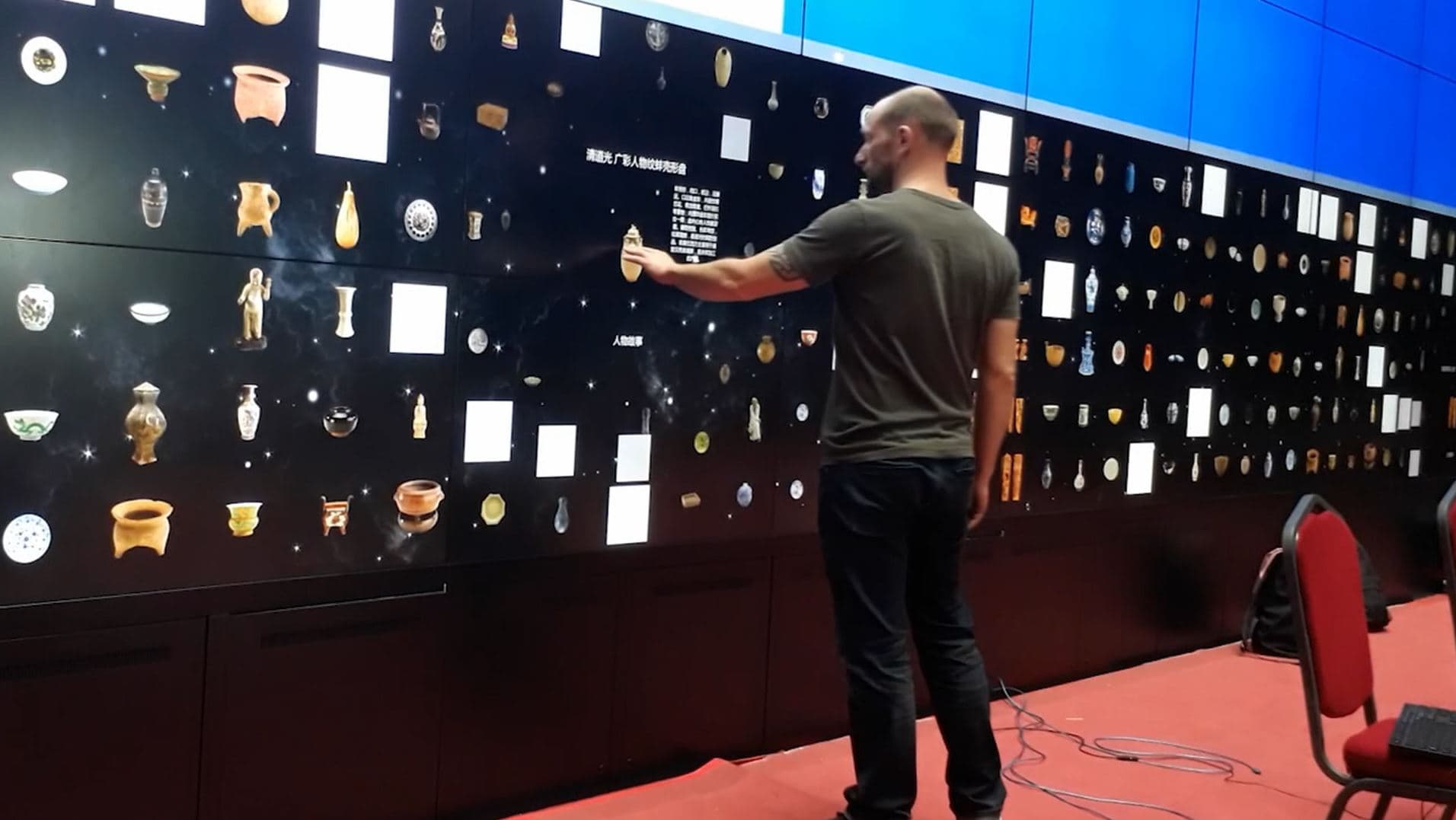
You have a large wall, LED surface or projection — but standard touchscreens and touchframes get impractical, expensive or impossible at that size. You want people to walk up and interact, without a physical touch layer on the surface.
A LiDAR layer that makes the wall respond
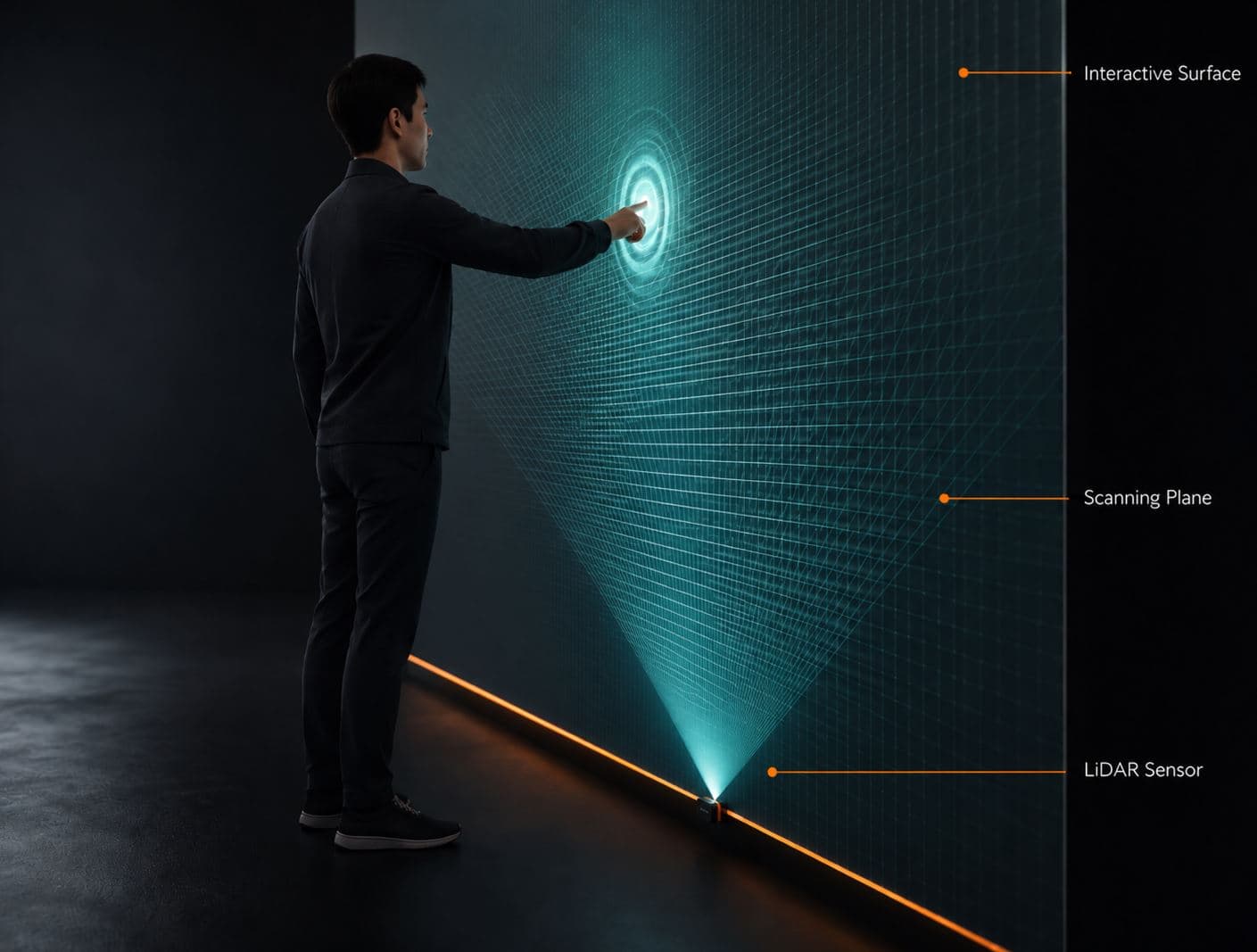
OptiTUIO adds an invisible LiDAR scan area in front of the surface and turns interaction into input your application understands — no touch layer on the wall.
Why teams choose interactive walls
Stop-and-interact moments
A large interactive wall gives visitors a reason to approach and stay.
No touch layer to wear out
Touchless means nothing to scratch, smudge or replace on the surface.
One setup, many shows
Reuse the same setup across events and screen sizes.
Explain more, faster
Let people explore products, stories or data on a surface everyone can see.
Have a wall or LED surface to make interactive?
Tell us the surface and the experience you want — we'll scope the right setup.
Interactive walls in the real world
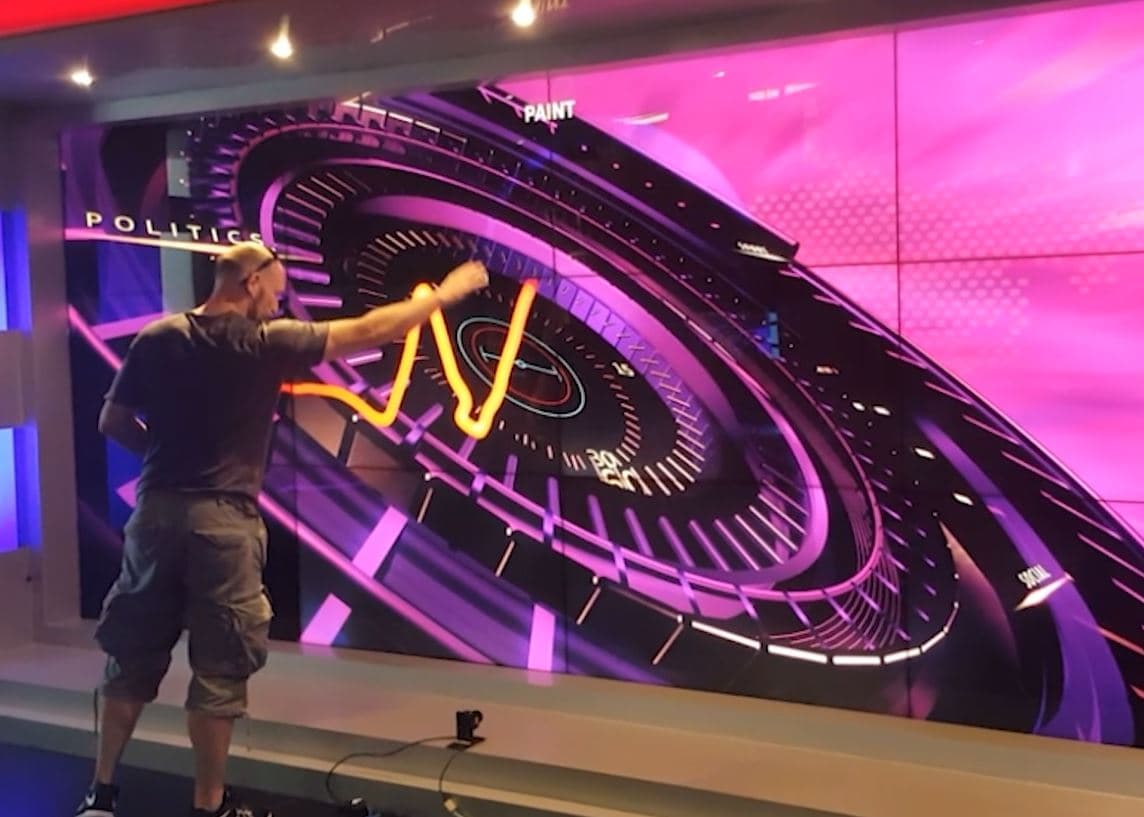
Interactive LED wall — MCOT
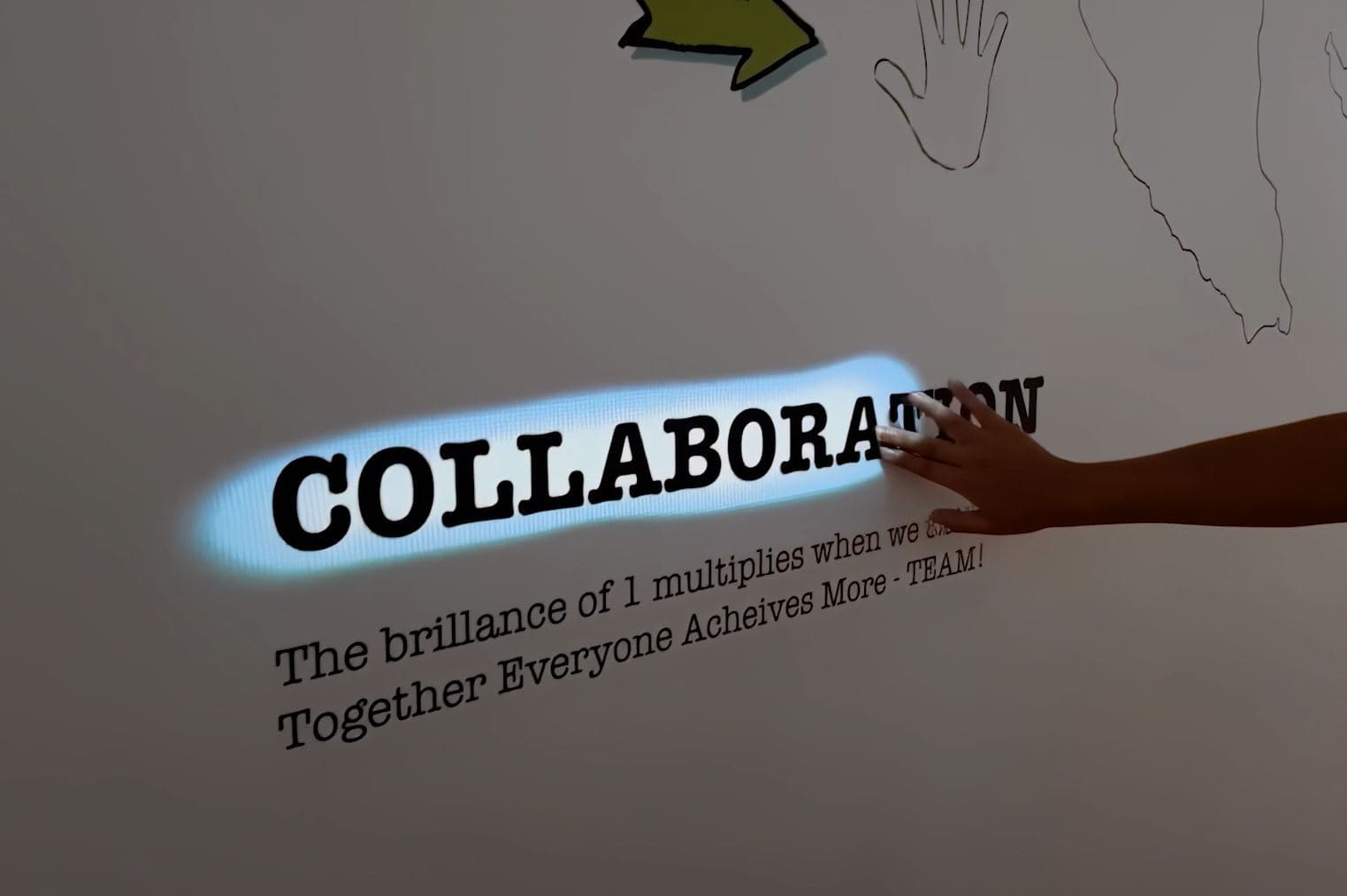
Projection wall interaction — KLCC
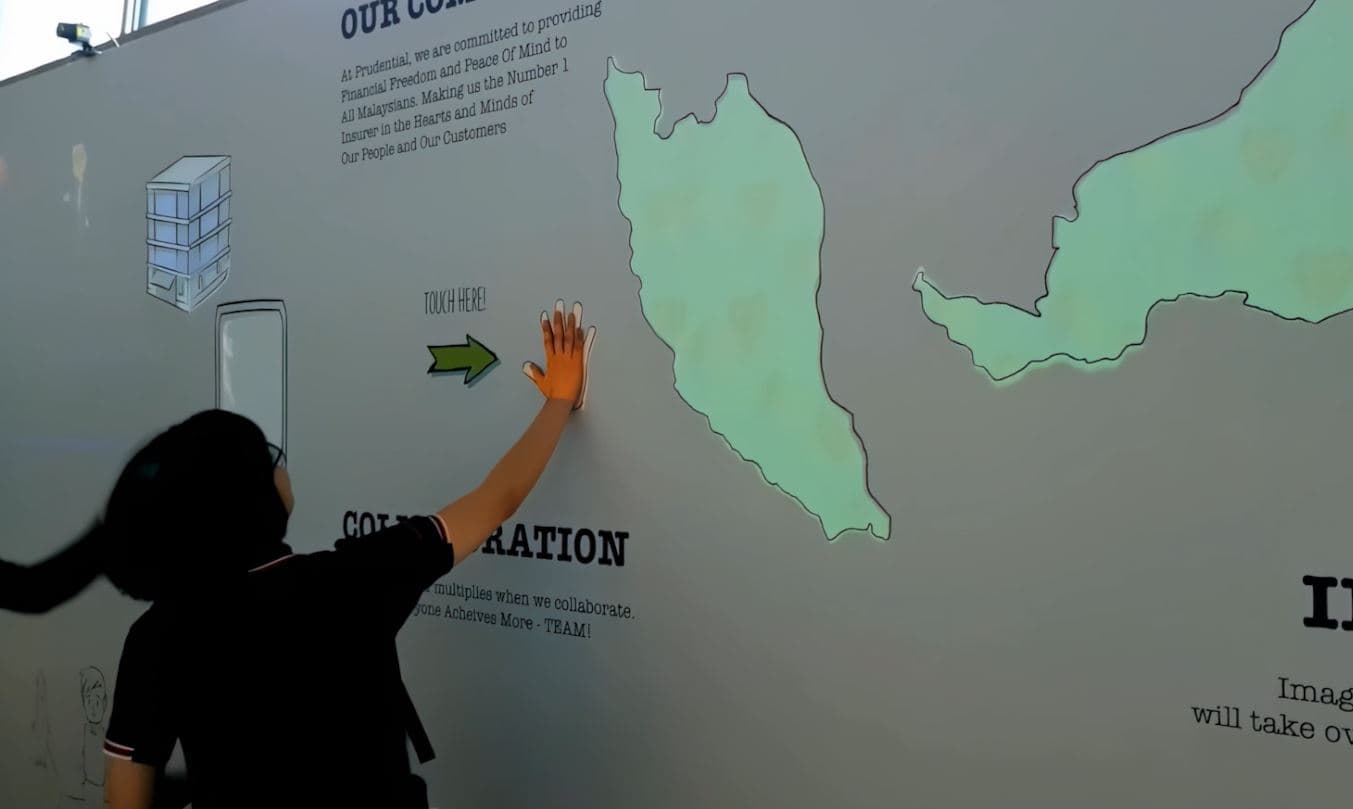
Branded wall experience — KLCC
“OptiTUIO transformed our exhibition space into a highly reliable interactive experience that ran perfectly for 5 days straight.”
— Event Director · Global Tech Agency




The right setup for your wall
The setup depends on wall size, sensor placement and whether your team builds the application or we do.
QWhat wall surfaces work best?
Large flat surfaces — LED walls, projection surfaces, screens and flat walls. Strongly curved, very uneven, mirrored or glass surfaces should be reviewed first.
QDoes anything touch the wall?
No. OptiTUIO tracks interaction in an invisible scan area in front of the surface — there's no touch layer on the wall itself.
QCan several people use it at once?
Yes — multi-user interaction is supported, depending on the setup, sensor configuration and application design.
QDo we need our own software?
You need an application that accepts Windows Touch, TUIO or mouse input. Your team can build it, or we can develop it for you.
Ready to make your wall interactive?
Tell us about the surface and the experience — we'll help you find the right setup.